Most AI assistants just sit there waiting for you to type something. You ask, they answer, and then… silence. They're basically fancy command lines with better manners.
OpenClaw takes a different approach. With three straightforward automation concepts, you can turn a passive chatbot into something that actually feels like an assistant, one that reacts to what's happening, runs tasks on a schedule, and checks in on things without bombarding you with notifications.
So What Exactly Is OpenClaw?
OpenClaw is an agent framework. Basically, it's the scaffolding you wrap around a large language model so it can do more than just chat. Out of the box, it gives your agent the ability to:
- Respond to commands and lifecycle events
- Run tasks on a schedule, even when nobody's talking to it
- Maintain a persistent workspace and long-term memory
- Plug into external tools and APIs
The model itself? That's up to you. OpenClaw works on top of Claude Sonnet/Opus, ChatGPT, Gemini, Llama, or whatever fits your stack. The real value is in the automation layer it adds around the model.
Think of it this way: the LLM is the brain; OpenClaw is everything else, the nervous system, the calendar, the habit tracker.
Why "AI Agent Automation" Doesn't Have to Be Complicated
When people hear "AI agent automation," they tend to picture sprawling flowcharts, YAML configs, and integration spaghetti. And sure, you can build that. But most of the time, autonomous behavior boils down to three triggers:
- Something happened → React to it.
- It's time → Do the thing.
- Check the pulse → Is anything worth flagging?
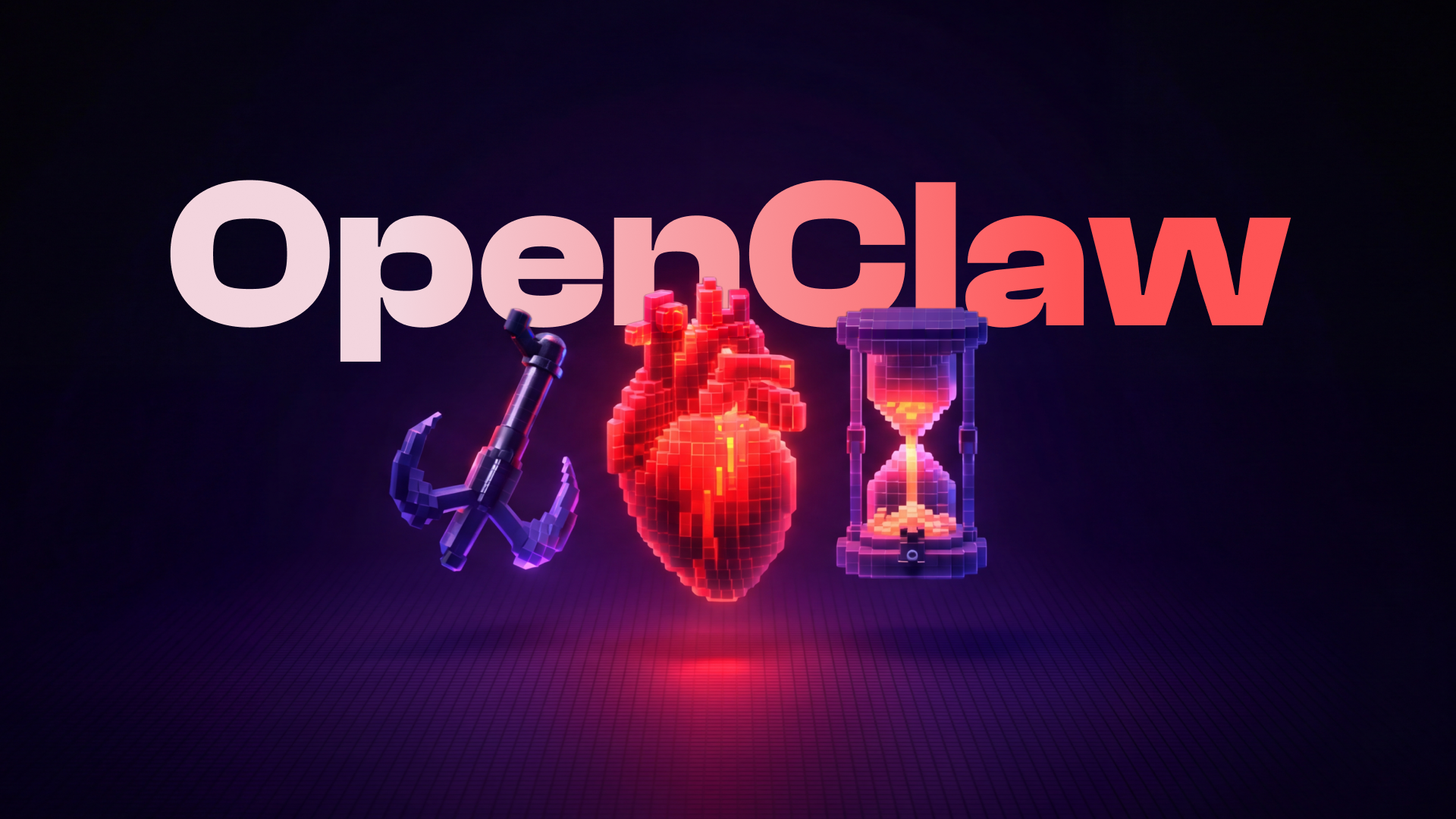
That's it. Events, time, and awareness. And that maps directly to OpenClaw's three building blocks.
The Three Building Blocks
Hooks: "When Something Happens, Do This"
Hooks are event-driven. An OpenClaw event fires, and a hook runs automatically in response. No user input needed.
The mental model is dead simple: If X happens → do Y.
Some real-world examples:
- New session starts → Pull in the user's last three conversation summaries so the agent has context from day one.
- Session resets → Spin up a clean project directory and pre-load the relevant config files.
If you've worked with webhooks, GitHub Actions, or event listeners in any language, hooks will feel immediately familiar. The difference is that these events are internal to the agent lifecycle.
Cron Jobs: "At This Time, Do That"
Cron is your agent's calendar. It handles anything that needs to happen at a specific time or on a recurring schedule.
Some examples:
- Every Friday at 5 PM → Generate a weekly progress report from the project tracker and email it to the stakeholder list.
- First Monday of each month → Pull usage metrics from the API dashboard and format them for the billing review.
The key distinction: Cron is about precision. You know exactly when you want something to run.
Heartbeat: "Check In and Use Your Judgment"
Heartbeat is the subtlest of the three, and arguably the most powerful.
Instead of creating a dozen cron jobs that each monitor one thing, heartbeat gives the agent a single, regular moment to look around. Every N minutes, it wakes up, runs through a short checklist, and decides whether anything deserves attention.
The beauty of this is judgment. The agent doesn't just fire off a notification because a threshold was crossed. It asks itself:
- "The staging server's been down for 12 minutes. Is anyone already looking at it?"
- "The customer replied to that support ticket two hours ago and nobody's responded. Should I escalate?"
- "Everything looks fine. I'll stay quiet."
This is how you avoid the classic automation trap: alert fatigue. Nobody wants an assistant that pings them every 30 minutes to say "all clear." Heartbeat lets the agent be attentive without being annoying.
Cron vs. Heartbeat: The One Rule You Need
If you only take away one thing from this article:
| ⏰Cron | 💓Heartbeat | |
|---|---|---|
| Trigger | Fixed schedule | Regular interval |
| Behavior | Always runs the task | Runs a check, acts only if needed |
| Best for | Reports, reminders, cleanup | Monitoring, triage, "should I say something?" |
The Bottom Line
You don't need a workflow orchestration platform to make an AI agent feel autonomous. You need three triggers:
- Hooks for reacting to events as they happen
- Cron for doing things at the right time
- Heartbeat for staying aware without being a nuisance
That combination is what turns a language model into something that behaves less like a chat window and more like a colleague who's quietly keeping things on track.
If you've been thinking about building with OpenClaw, start with one hook, one cron job, and a heartbeat. You'll be surprised how quickly a few well-placed automations make the whole thing feel alive.
People Also Ask
What's the difference between hooks and webhooks in OpenClaw?
Hooks respond to events happening inside the agent. Webhooks let external systems reach in and trigger work, like a GitHub push event kicking off a code review.
When should I use cron instead of heartbeat?
Use cron when timing matters: daily reports, weekly digests, one-shot reminders. Use heartbeat when you want the agent to periodically assess whether anything needs attention, and stay silent if it doesn't.
Can I use OpenClaw with Claude, GPT-4, or other models?
Yes. OpenClaw is model-agnostic. It provides the automation and orchestration layer; you choose which LLM powers the reasoning underneath.
How do I make my AI agent proactive instead of reactive?
Combine event-driven reactions (hooks), time-based actions (cron), and periodic awareness (heartbeat). Together, they let the agent act on its own initiative instead of waiting for a prompt every time.
What's the best heartbeat interval for monitoring?
Start with 30 to 60 minutes and adjust based on your use case. Tighter intervals cost more and risk alert fatigue; wider intervals are fine for most monitoring scenarios.