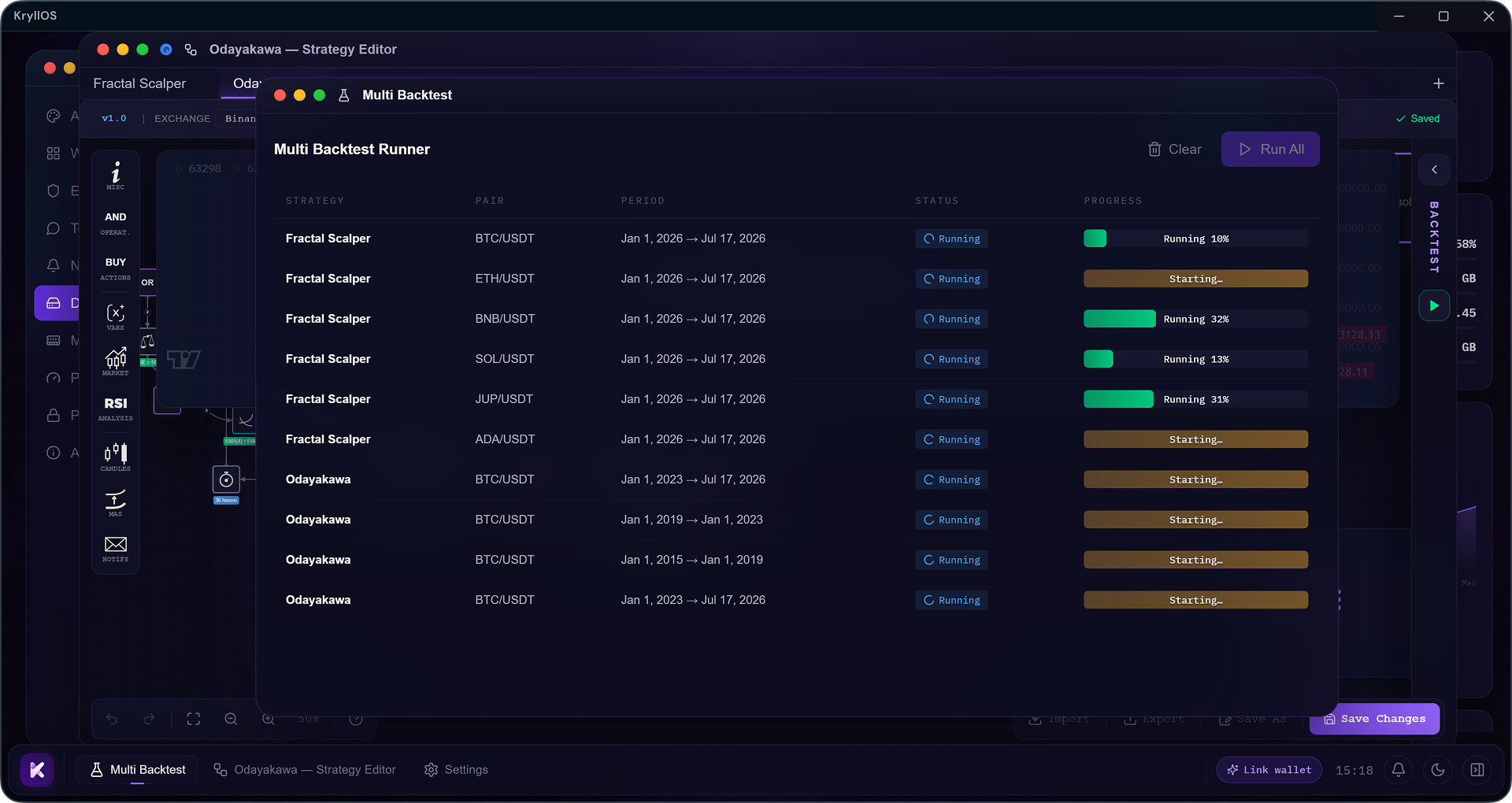
Version 0.5.32 unlocked parallelism: multiple engines, each on its own core, plus slots to advance several backtests per engine. The idea was to launch a whole batch of backtests at once, without waiting for each one to finish before starting the next. What was missing was the tool to build that batch. You were still launching your backtests one at a time: open a tab, configure it, run it, then start over for every pair, every timeframe, every variant.
That's what 0.5.35 brings: the Multi-Backtest app. You build your list of backtests once, launch the whole thing, and it clears itself across the available engines while you work on something else.
The Multi-Backtest app
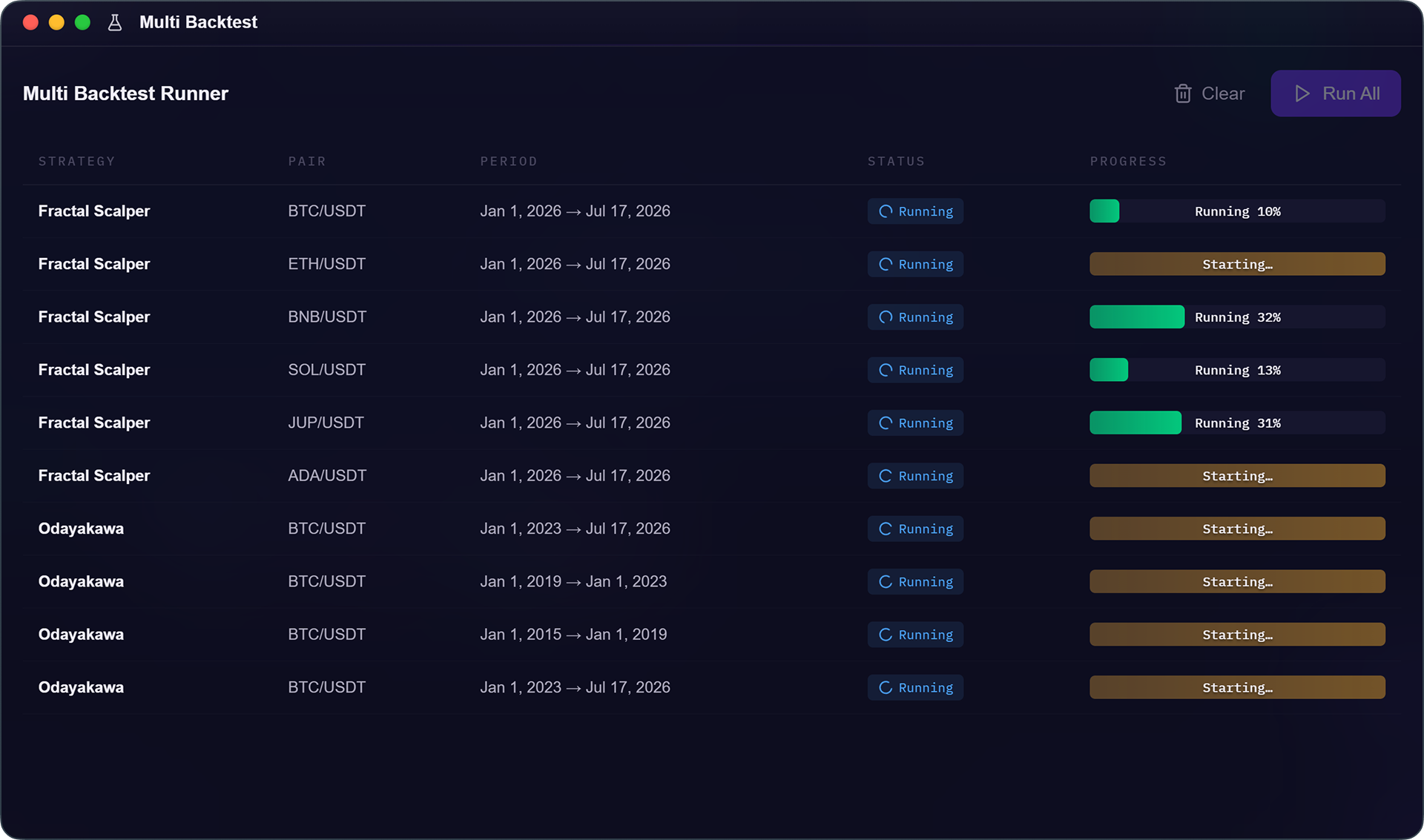
Multi-Backtest is a list of runs. Each row is a backtest ready to go, with its strategy, platform, pair, and timeframe. Nothing forces you to stick to a single strategy: you can stack the same one across ten pairs, ten different strategies, or any mix of the two. You build the list, you launch it, that's it.
Adding a strategy to the list
Two paths, depending on where you are :
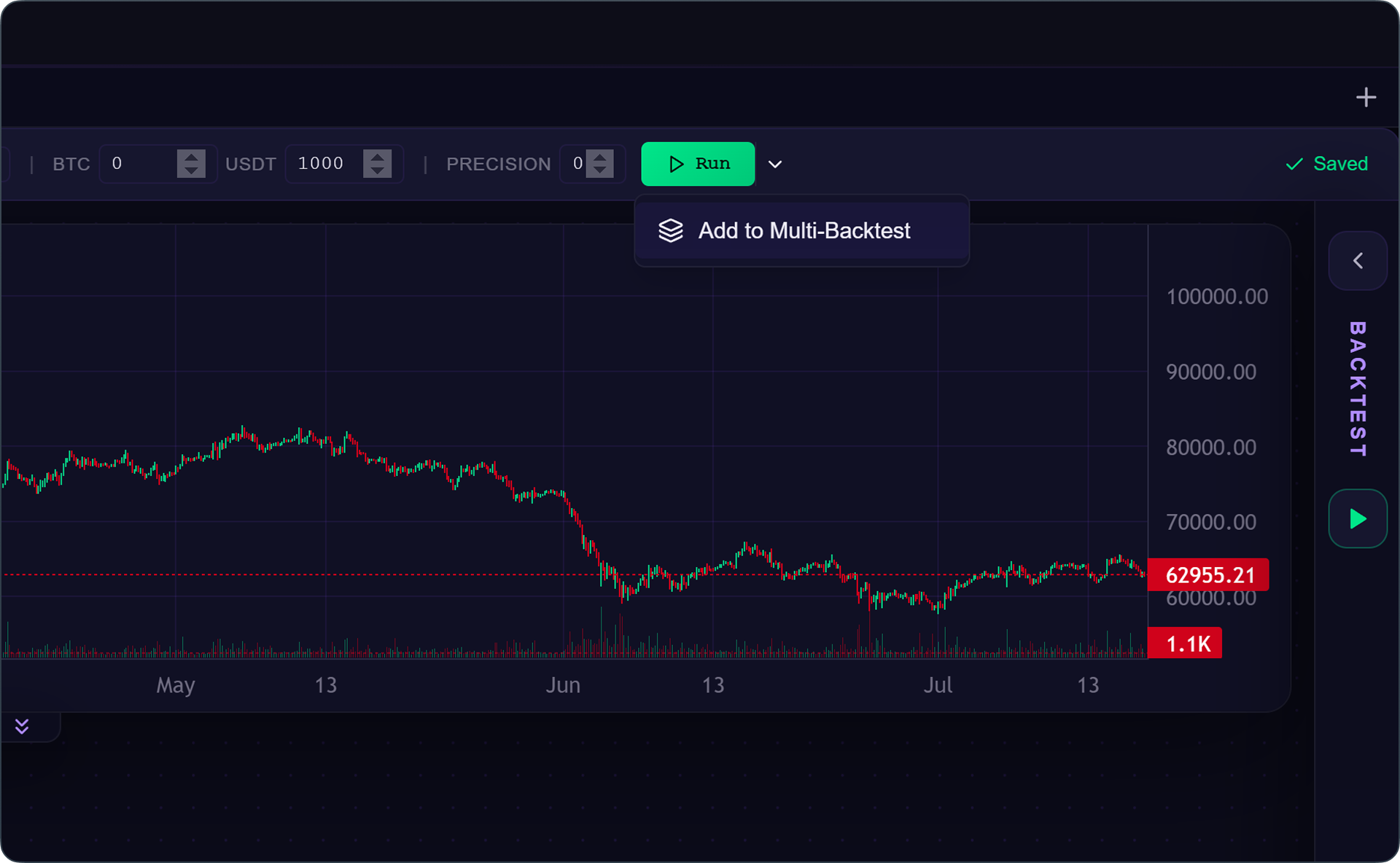
From the editor, the Add to multi-backtest button sends the open strategy to the list along with its current configuration platform, pair, and timeframe already set. Switch pairs, click again, and the row gets added to the list.
From the file manager, right-clicking a strategy offers the same Add to multi-backtest option. The difference: it arrives unconfigured, since you haven't opened it. You'll need to set it up before running it.
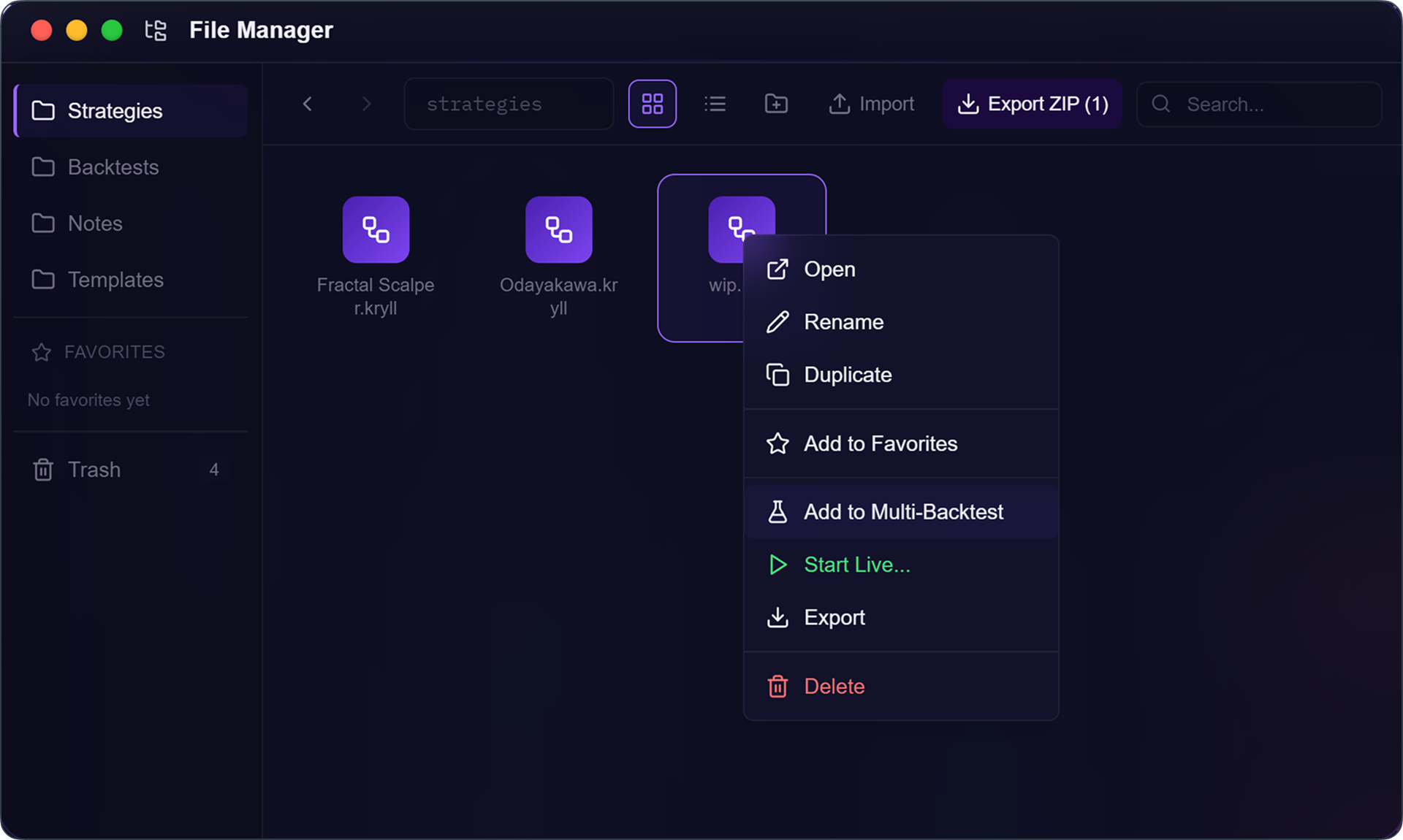
How to add a backtest to the list
- From the editor, set your platform, pair, and timeframe, then click
Add to multi-backtest - Or right-click a strategy in the file manager, then
Add to multi-backtest - Repeat as many times as needed, each addition stacks onto the list
Configuring and duplicating your backtests
A row can be edited at any time. Double-clicking it, or right-clicking and selecting Edit, opens its run settings: platform, pair, timeframe. Adjust, hit Save, and the row is ready.
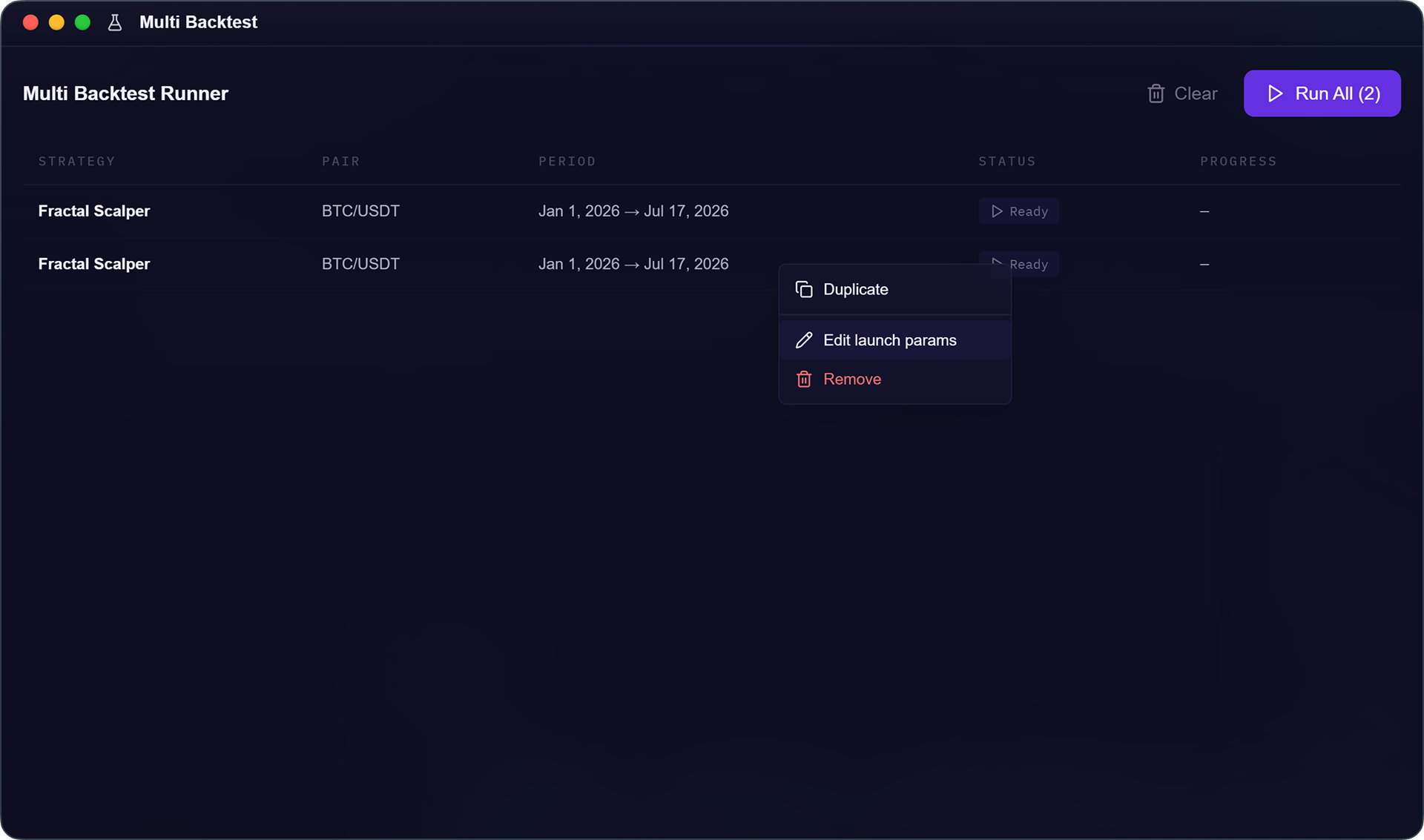
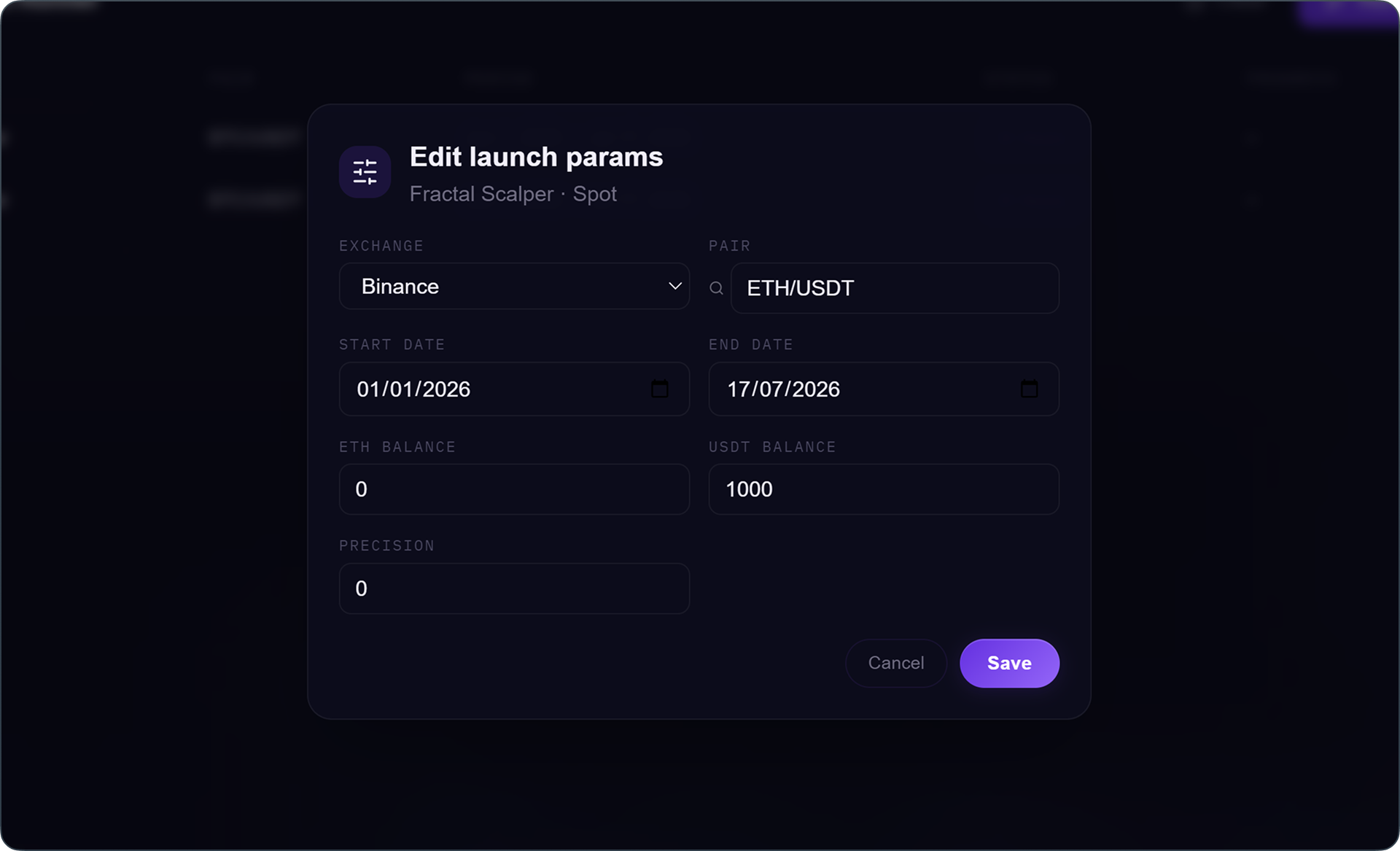
Duplicate is the move that saves the most time. Configure one row correctly, duplicate it, and on the copy only change what varies, the pair or the timeframe. One on ETH, one on Solana, one on last year. In a few clicks, you've built a full series without ever re-entering the same settings twice.
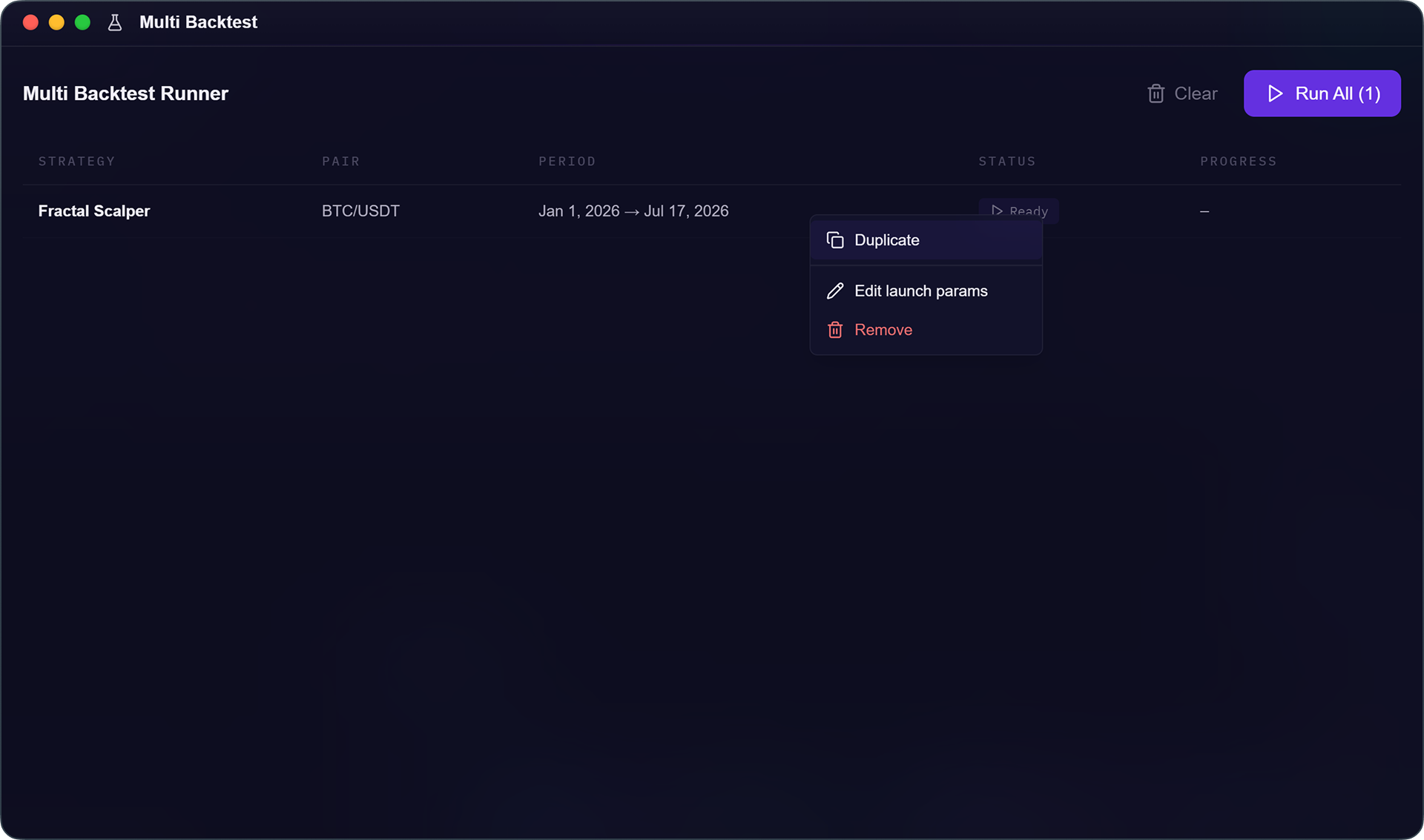
How to set up a series
- Double-click a row (or right-click then
Edit) to open its run settings - Set the platform, pair, and timeframe, then
Save - Right-click then
Duplicateto copy the row - On the copy, only change what varies, the pair or the timeframe
Run your whole list in one click
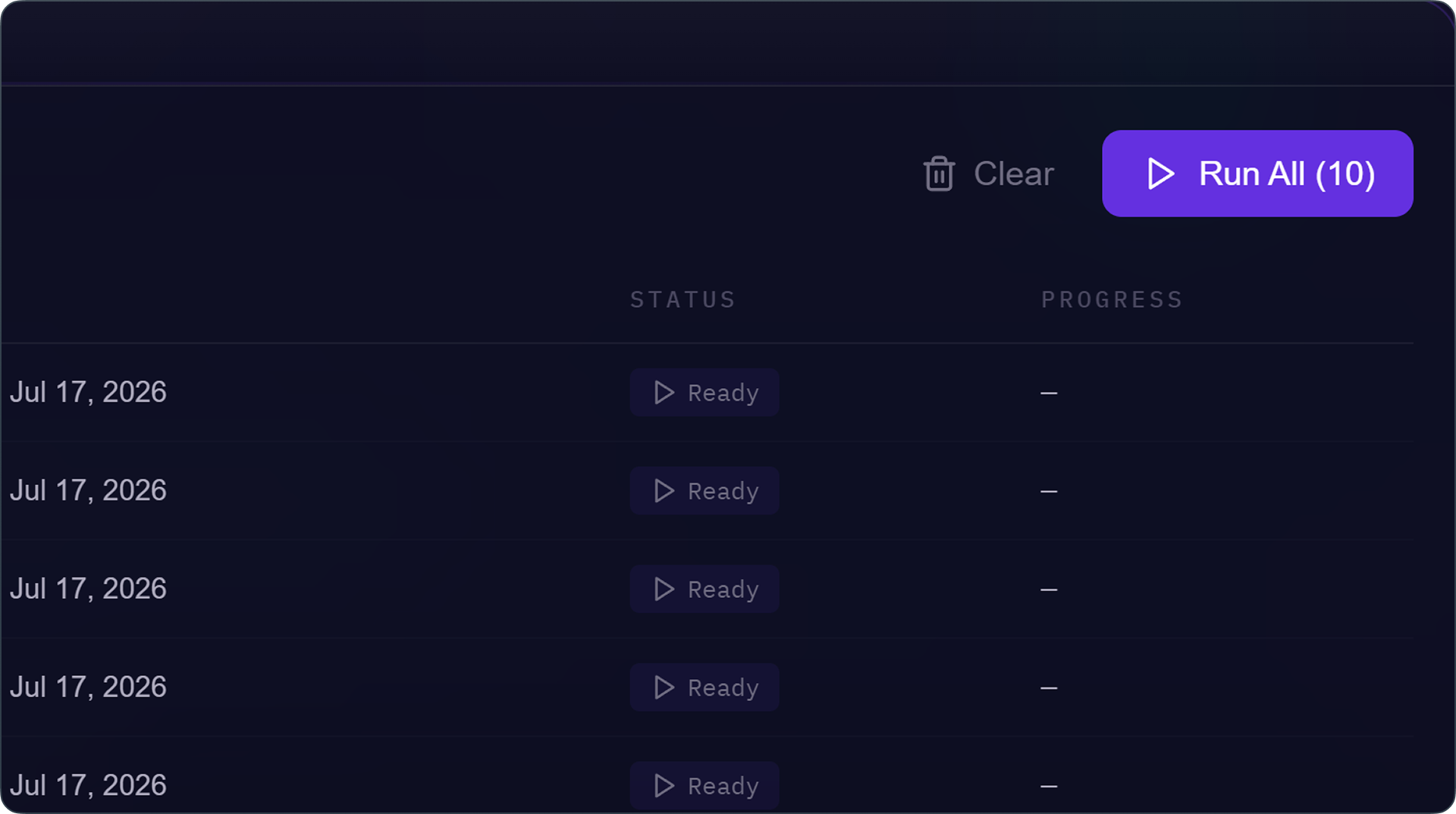
List ready? The Run All button launches everything. One click, and you no longer have to come back and trigger each backtest yourself: whatever can start right away does, and the rest waits its turn, kicking in automatically as engines free up. Your list clears itself.
In practice: testing ten pairs one at a time means ten round trips configure, launch, wait, repeat. With Multi-Backtest, it's one list built once and a single Run All. The time you used to spend clicking, you now spend analyzing.
How many backtests can run at the same time on KryllOS?
That depends on what you've set in Settings > Performance, under "Parallel backtests," with the two sliders introduced in 0.5.32:
Backtest engines: the number of engines running in parallel, each on its own core. This is the real speed lever, the more you have, the sooner your batch finishes. KryllOS detects your available cores and recommends a value suited to your machine.Multiplexed slots: several backtests sharing the same engine, each advancing in turn. None of them run faster, but they all progress together.
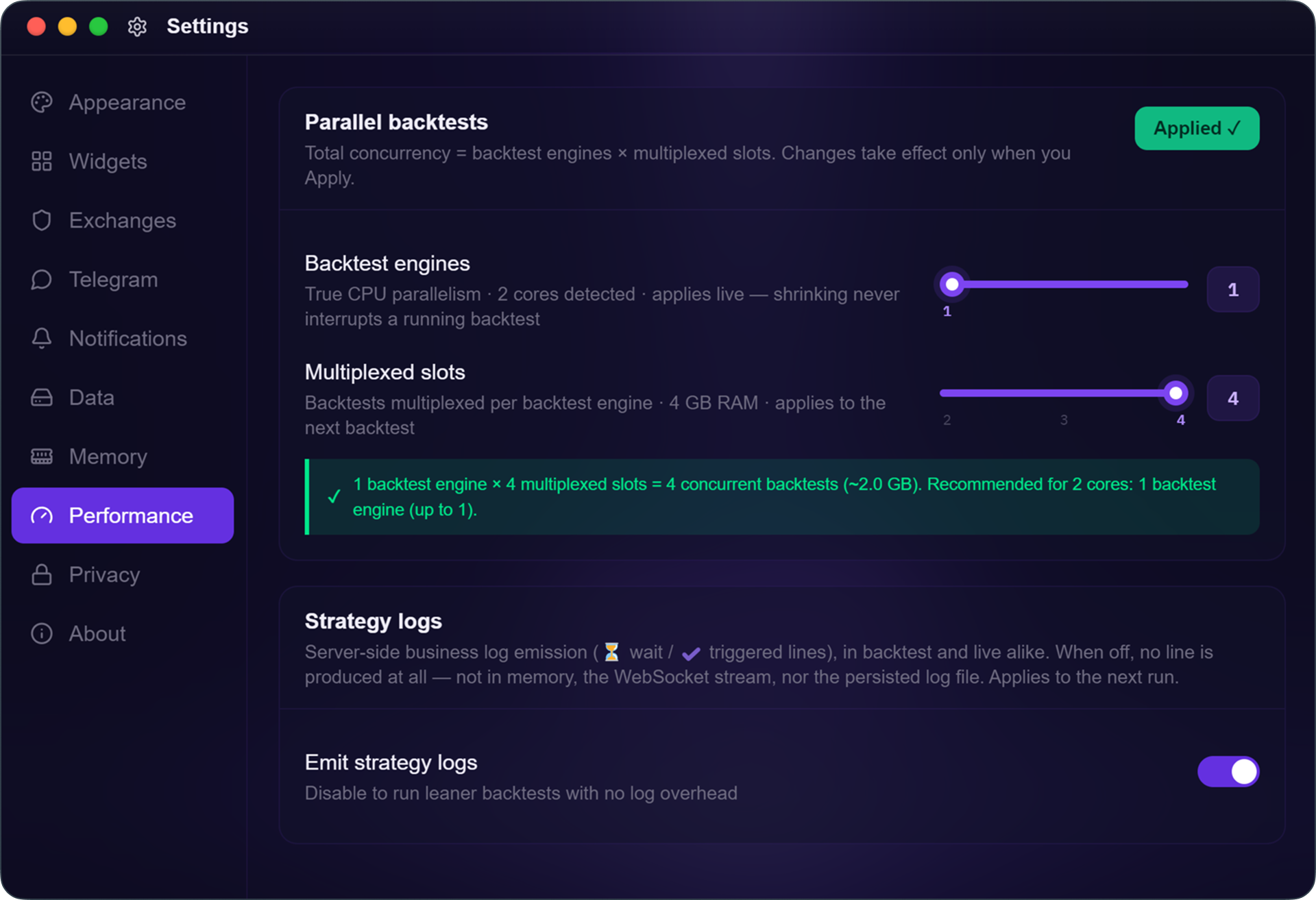
The total follows the formula shown at the top of the panel: moteurs × slots. Two engines and two slots means four backtests running at once, with the rest of your list following behind. That's exactly what multiplexed slots were built for: launching a whole batch without waiting for each one to finish. Multi-Backtest is the tool that feeds those engines.
Cleaning up the Multi-Backtest list
Each row shows its own progress bar, handy for longer strategies where a run takes a while. You can see at a glance what's running, what's waiting, and what's done.
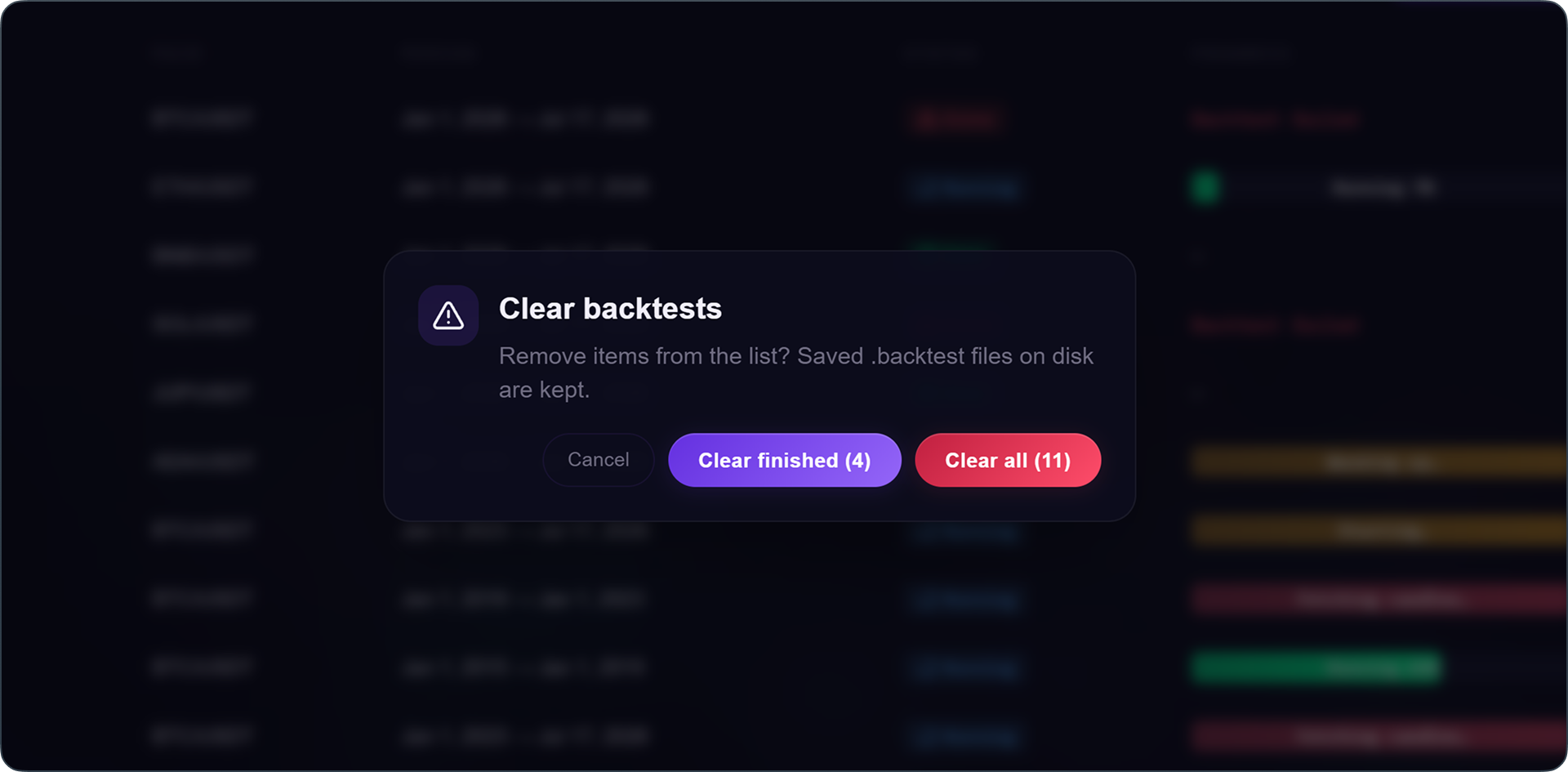
Two buttons for wrapping up a series. Clear removes finished runs from the list and keeps the view tidy. Cancel all stops everything, including runs still in progress, and cleans up after itself.
.backtest files
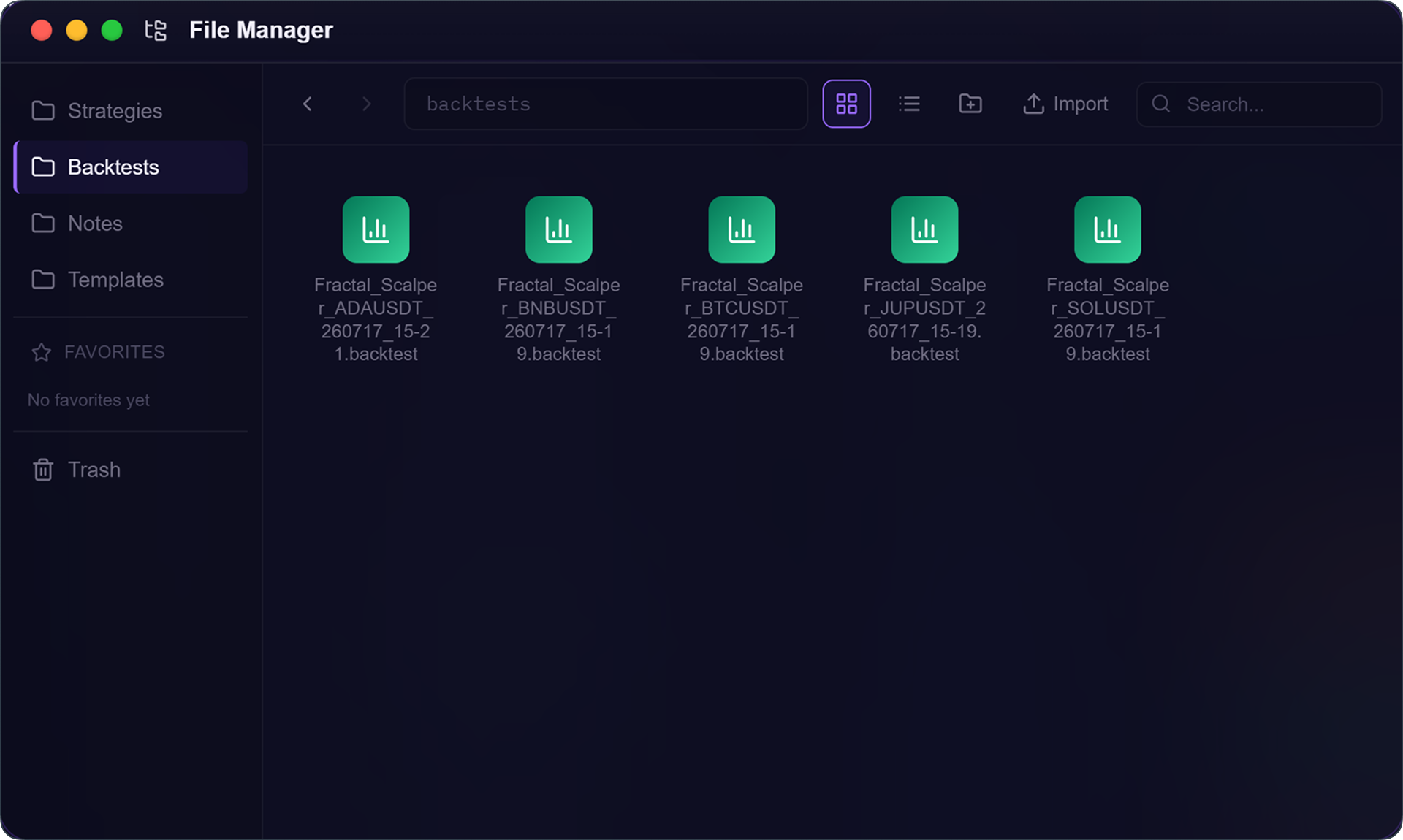
Every backtest produces a .backtest. Until now, it was on you to save it, using the floppy disk icon. Multi-Backtest does it automatically for every run in your list, under a default name that includes the strategy, the pair, and the timestamp. Your results are kept without you having to think about it, and you know which is which without opening them.
A .backtest file is self-contained: it holds the strategy, the run, and the logs, all in a single file.
Finding your backtests in the file manager
In the file manager, the backtests section groups together all your saved backtests, both from Multi-Backtest and the ones you save manually. The file manager now refreshes every time it's displayed, so whatever you just launched is already there, and its side navigation is freer to use.
Opening your backtests and their linked strategy
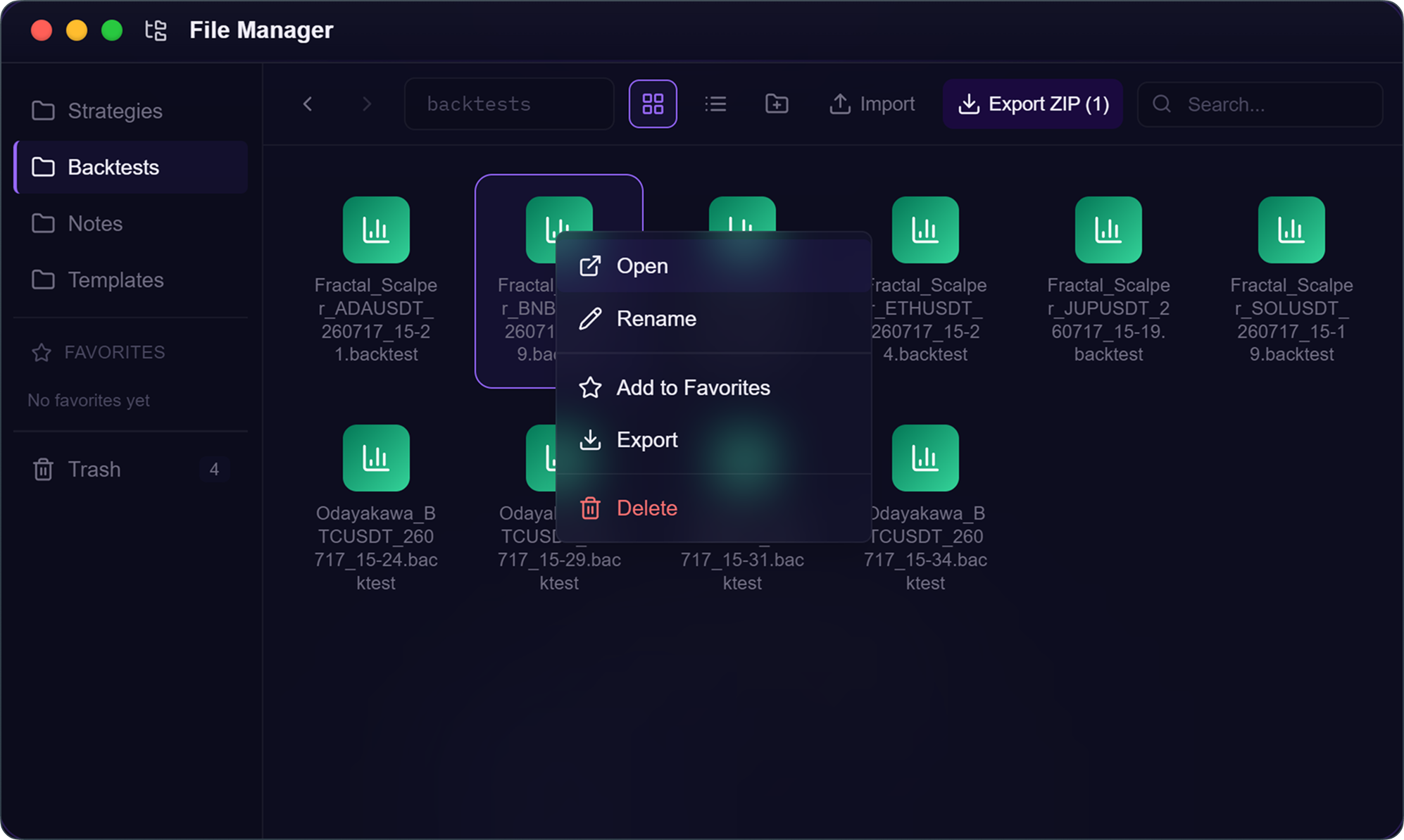
A backtest can be reopened in the editor with its full results, exactly as they were at the end of the run. Since your strategy may have changed in the meantime, KryllOS handles the different cases:
- The tab is already open elsewhere: it takes you back to it instead of creating a duplicate.
- You've moved a block since then: it still finds the right strategy.
- You've edited the strategy: it opens a new tab with the version that was actually backtested, since it's no longer the same one.
- The strategy is no longer on your drive: it asks whether you want to cancel, or open the version that was backtested.
Sharing a backtest
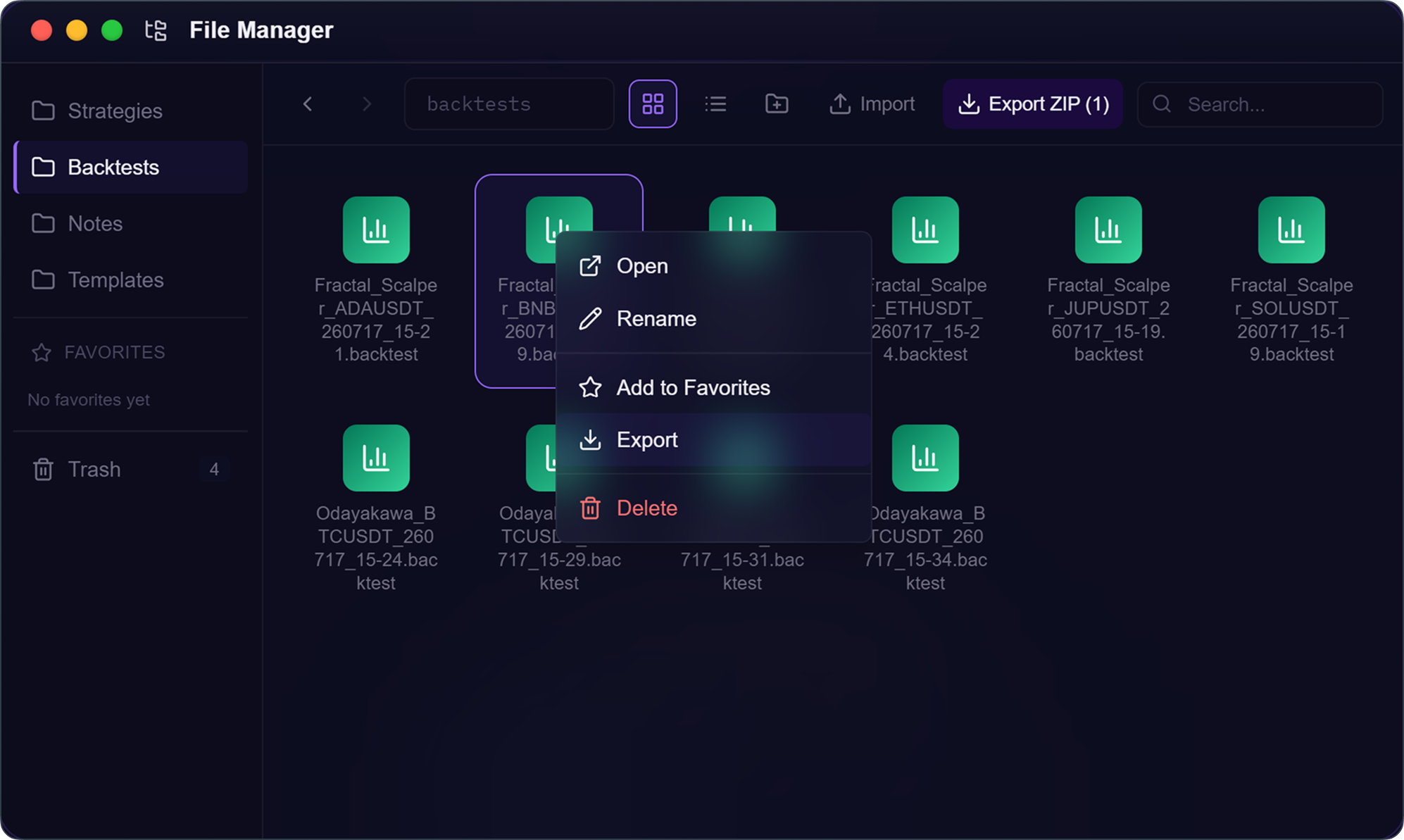
Since the file contains everything, you can hand it over. Export to zip packages the whole thing. On the other end, the person opens your strategy, reviews the backtest and its source code, and can rerun it themselves to verify. A result you're presenting is no longer a screenshot, it's a full test the other person can replay.
0.5.35 brings two things: the Multi-Backtest app, which builds and runs your backtests in batches while you work on something else, and automatic saving of runs as organized, reopenable, shareable files. Update to 0.5.35, stack a few pairs into Multi-Backtest, and click Run All.