
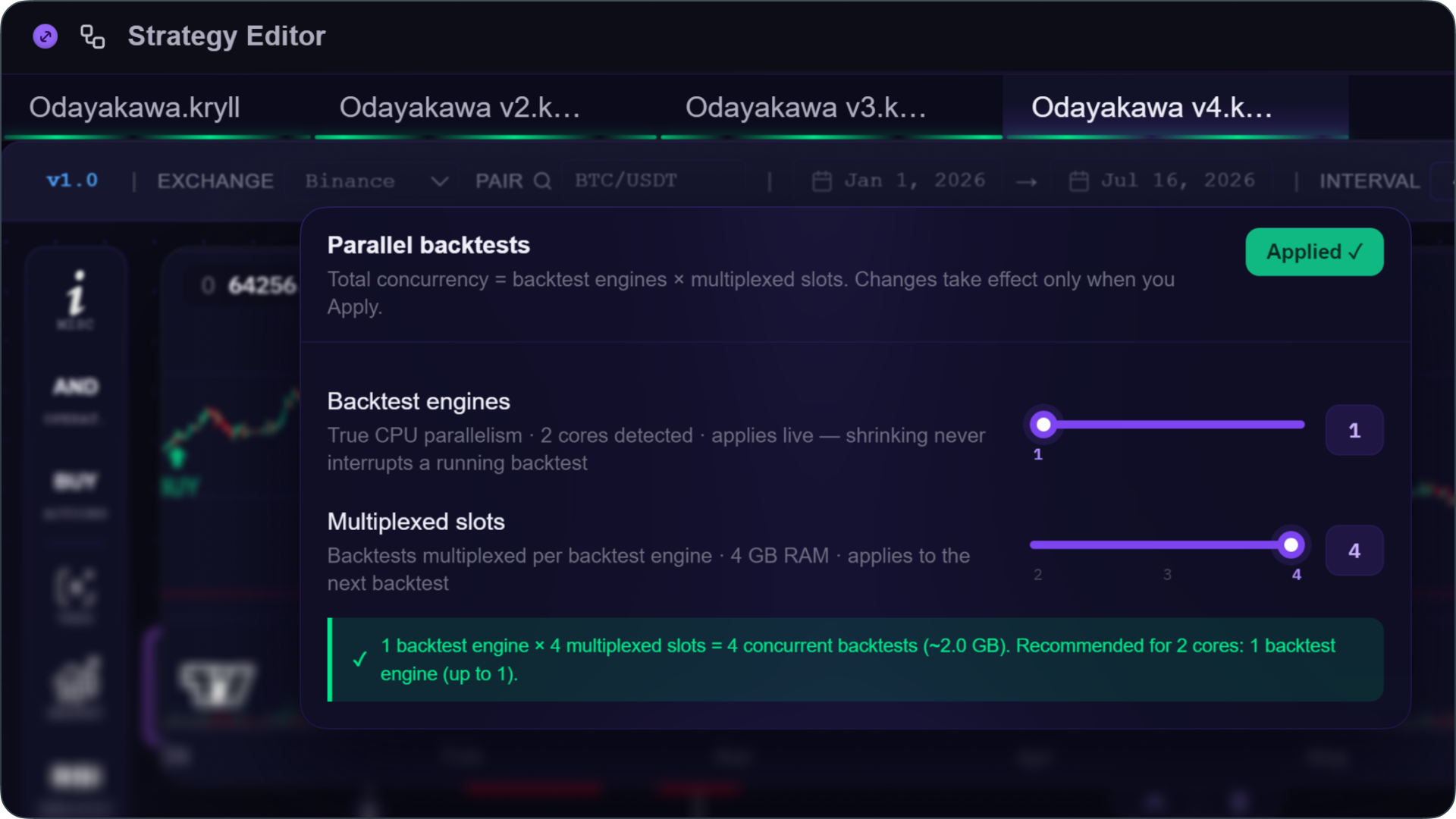
Until now, a backtest on KryllOS ran on a single core, and only one at a time. No matter how many cores were available on your machine, it was impossible to launch a second one while the first was running. 0.5.32 changes that in a fundamental way: backtests can now run across multiple cores in parallel, so you can launch several at once. This release also brings better tracking and better RAM management.
Parallel backtests
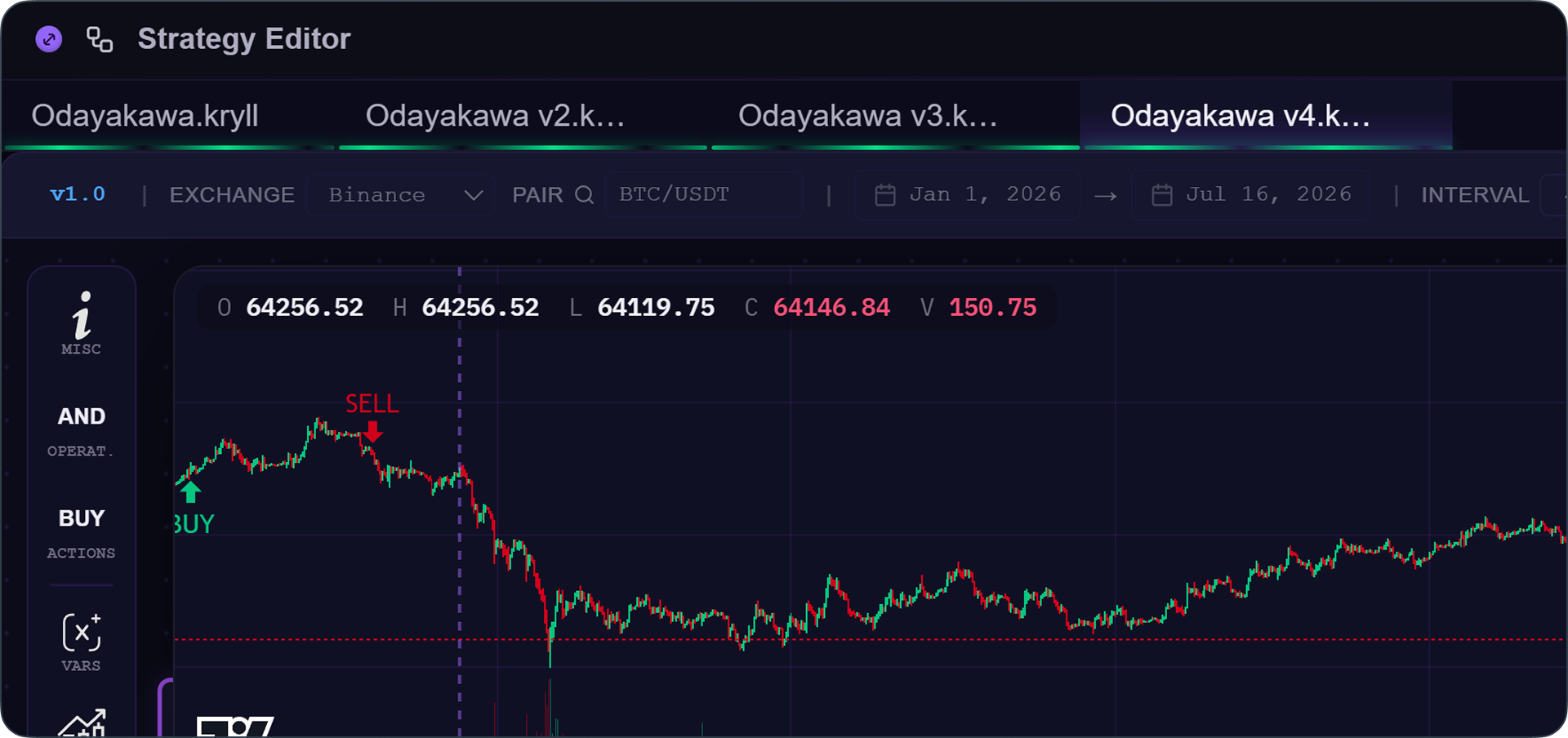
With 0.5.32, you can finally run several backtests at the same time, each on its own core. Where you used to have to wait for one backtest to finish before starting the next, you can now open several tabs and run them simultaneously, a real time-saver when you're testing multiple versions of a strategy or several pairs in parallel.
Configuring allocated power
How many backtests you can actually run at once depends on the power of your machine, and more specifically on the number of cores available on your VPS. To make the most of it, head to Settings > Performance, under "Parallel backtests," where two sliders give you control over this allocation.
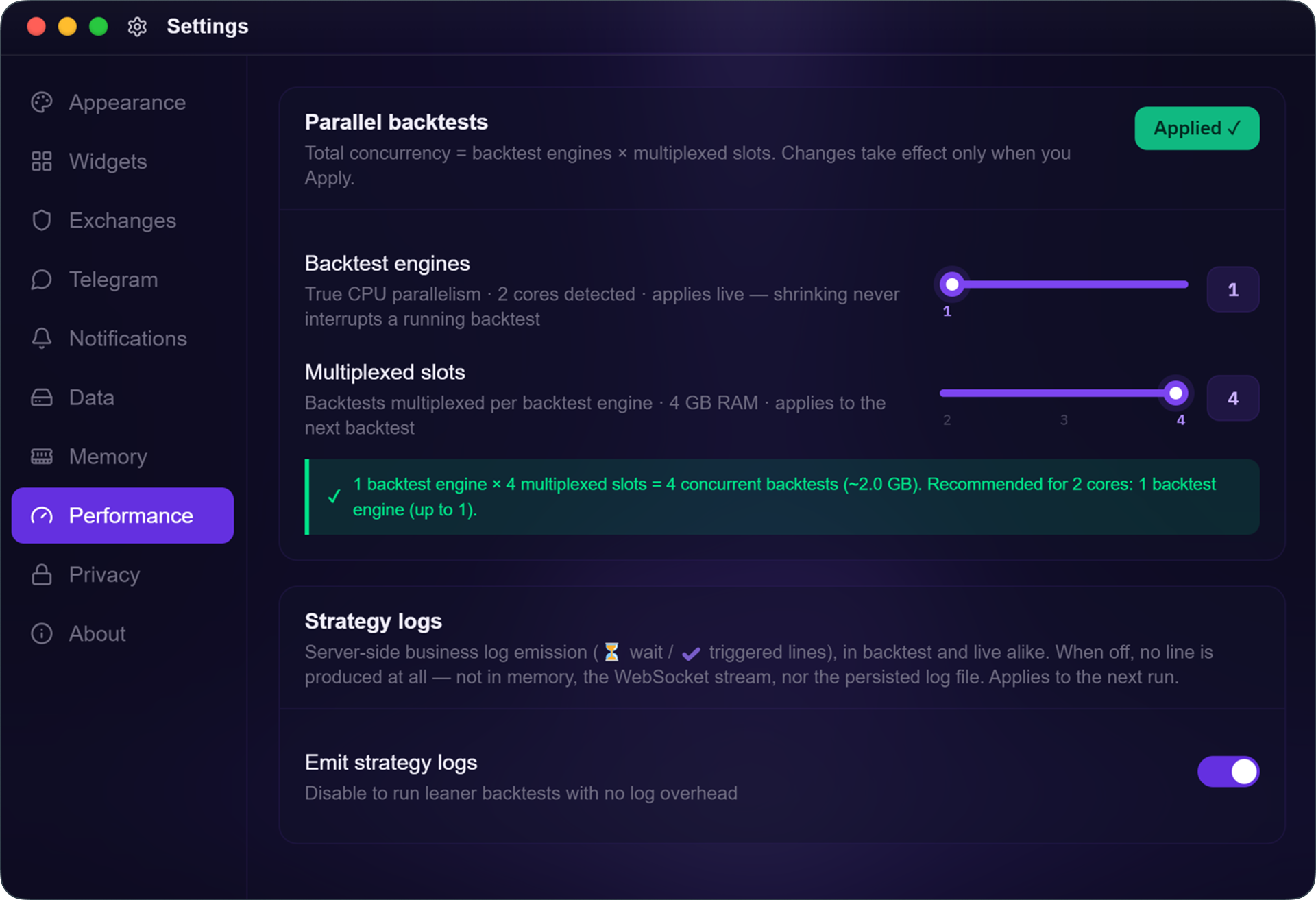
- Backtest engines: the number of active engines running in parallel, each on its own core. This is the real speed lever, more engines means more backtests moving at full speed at the same time. KryllOS automatically detects your available cores and recommends a value suited to your machine (it always keeps some in reserve for your live trading).
- Multiplexed slots: several backtests sharing a single engine, each taking its turn. They all progress "at the same time," but none of them runs any faster than if it were running alone, the total time for the batch stays the same, it's just split between them. The point isn't speed but convenience, launching a whole batch of backtests at once, without waiting for each one to finish before moving to the next.
The total number of backtests you can launch follows the formula shown at the top of the panel: engines × slots. The panel also displays an estimate of the RAM required.
How to set up your parallel backtests
- Open
Settings,thenPerformance - Increase
Backtest enginesfor real speed, within the recommended limit for your machine - Increase
Multiplexed slotsto move several backtests forward per engine, with no speed gain - Click
Apply
*Reducing the number of engines never interrupts a backtest that's already running.
RAM under control
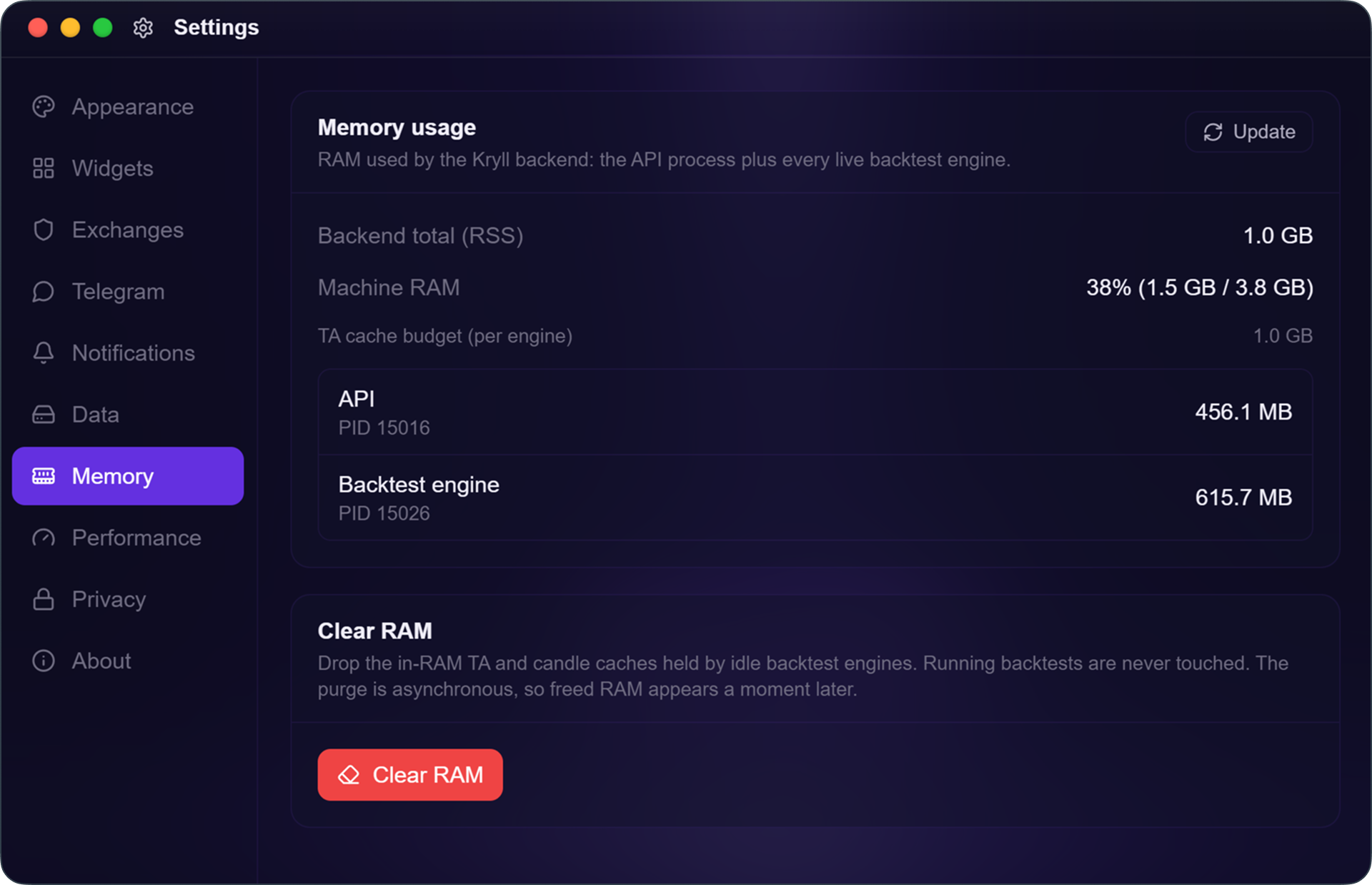
The second panel, Settings > Memory, gives you visibility into what KryllOS is actually consuming. You can see memory usage, engine by engine, and an alert warns you in real time when RAM or disk usage climbs too high.
KryllOS keeps candles and indicators in memory from one backtest to the next to stay fast, instead of reloading everything each time. That's a good trade-off, but over a long session, this memory builds up. KryllOS already cleans it up automatically past a certain threshold. And to take back control immediately, a "Clear RAM" button frees up memory on demand.
This cleanup never touches a backtest that's currently running. It only clears stopped engines. If two backtests are running, Clear RAM leaves them alone. If you stop one and then clean up, only that one gets cleared. If you restart it afterward, the data reloads and memory goes back up, that's normal, it's the cache doing its job again.
Strategy logs, on demand
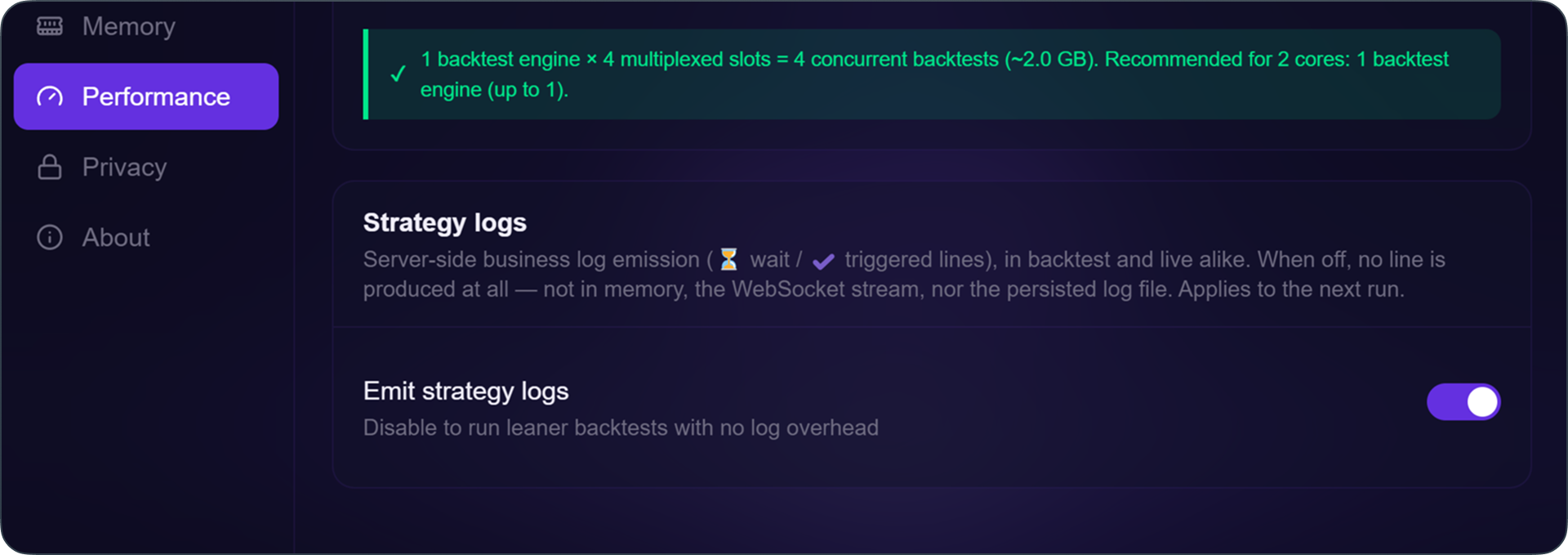
Still in the Performance panel, a useful setting: "Emit strategy logs." When enabled, KryllOS produces server-side logs. This is useful when an indicator isn't doing what you expect and you want to see, step by step, exactly when it's waiting and when it triggers.
When disabled, no lines are produced, not in memory, not in the stream, not on disk, and your backtest runs a bit lighter without that writing overhead. Turn it on when you're debugging, turn it off when you want to optimize for speed.
A backtest engine that cleans up after itself
These settings hold up thanks to background work on the engine's memory consumption.
First, a new way of reading market data, organized in columns, which lowers a backtest's peak memory usage by about 36%. Each backtest leaves more room for the others, which means more of them can run before the machine gets saturated.
Next, engines no longer hold onto RAM when they're not in use. An idle engine frees its memory and shuts down automatically, then powers back up on demand as soon as a backtest is restarted. Memory is only consumed by what's actually working.
Finally, a backtest's results are no longer kept in memory once the run is finished. They're released, and to export them, KryllOS reads them back from disk.
0.5.32 brings two things: real backtest parallelism, and visibility into RAM. Update to 0.5.32, take a look through Performance and Memory, then launch two backtests at once to see the difference.