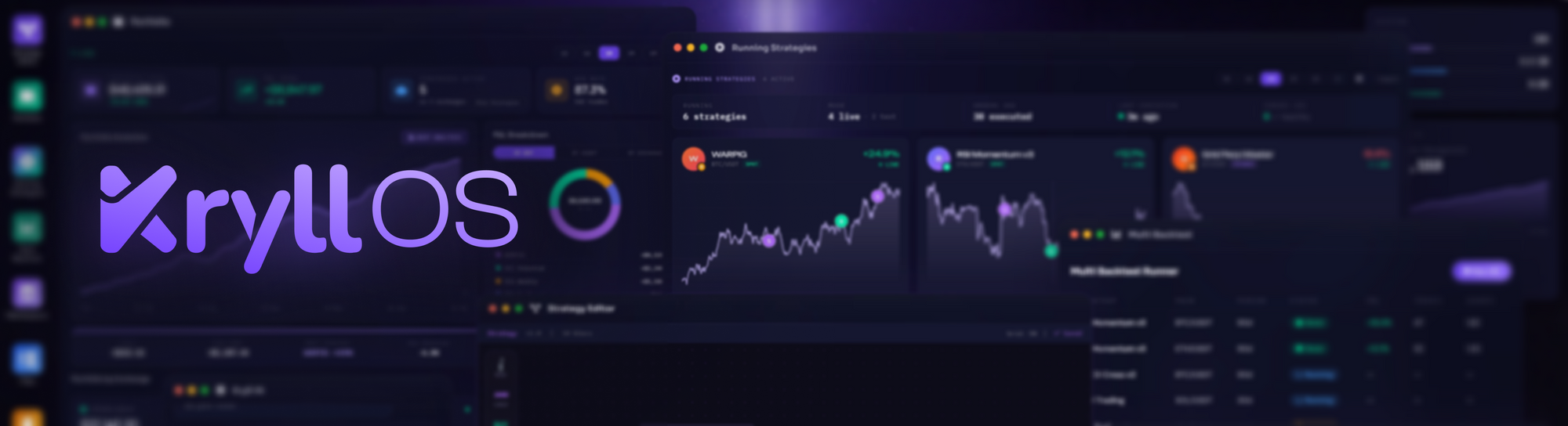
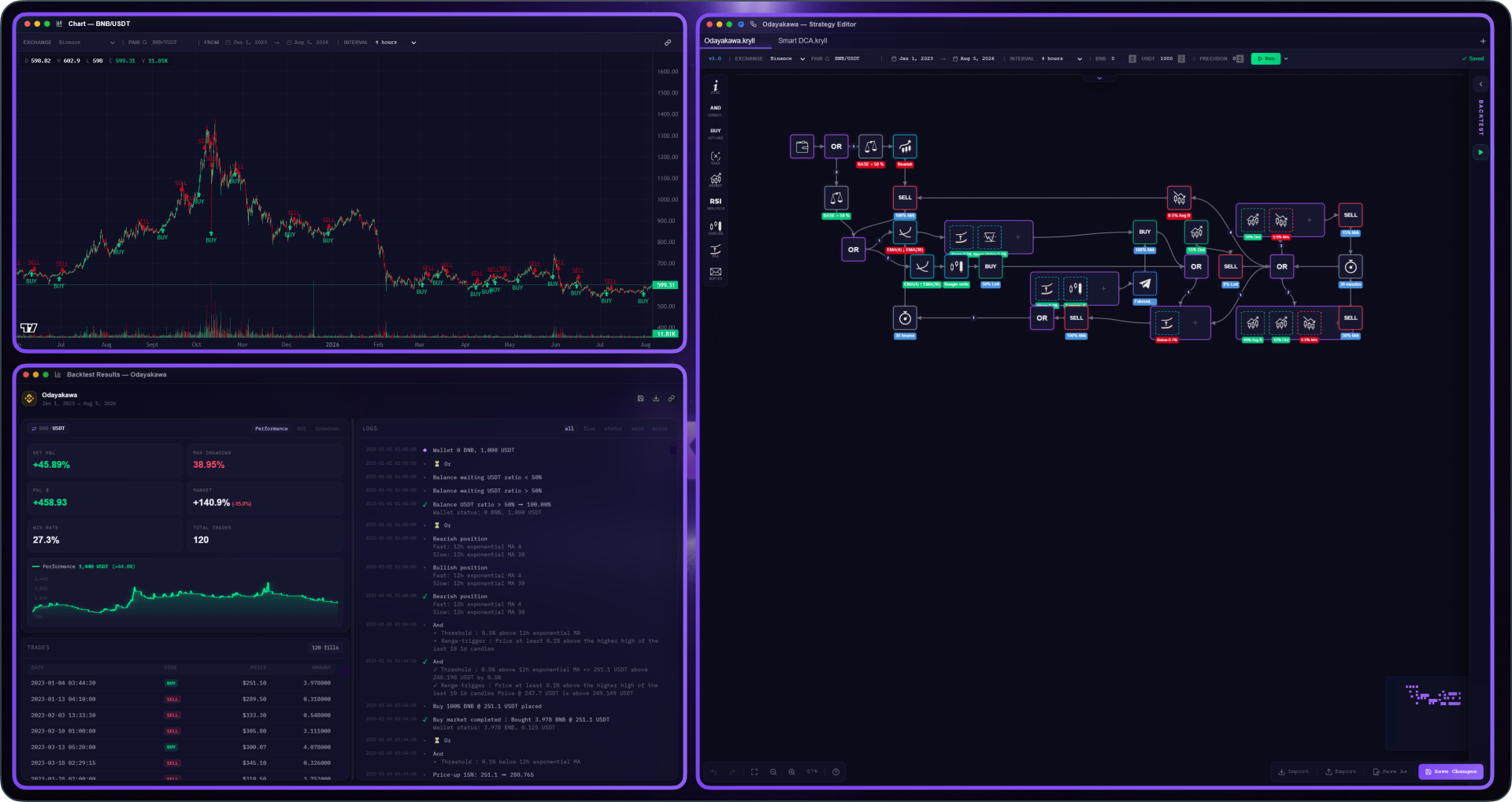
Everyone trades their own way, and above all, everyone trades on their own hardware. A laptop off in the corner of a table, one ultra-wide screen, or two or three monitors lined up on a desk. Your workspace is yours, and you like to set it up however feels right.
Until now, the KryllOS editor kept to a single window. One solid block, with its tabs, its chart folded up at the top, and its backtest results boxed into the same frame. Whether you were on a 13-inch screen or had three monitors to work with, all that room around it went to waste.
KryllOS 0.5.38 opens things up. Your chart and your backtest results can now leave the editor as companion apps: real standalone windows you arrange however you want. You're no longer stuck with one fixed layout, you build your own. And the more screen space you have, the more you'll get out of it ;)
Detach your chart and results
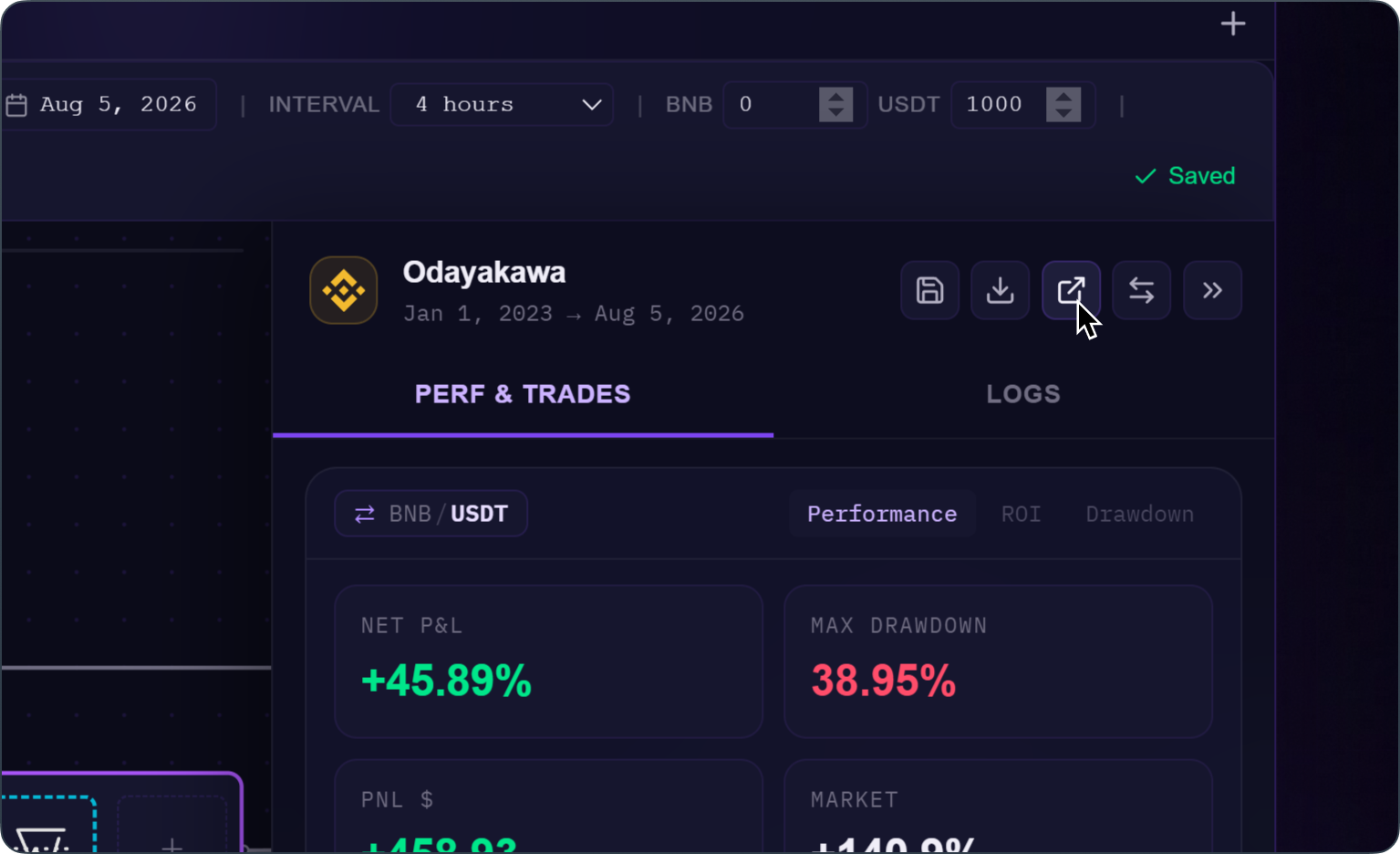
It all starts with one icon. A single click, and both windows detach at once: the editor closes its inner panels and goes full screen, your chart shoots out to one side, your backtest results to the other. Two windows in their own right, all yours.
From there, you're in charge. You move them, resize them, drop them wherever works for you: side by side on a big screen, or straight onto a second monitor if you have one. Editor on one side, your chart and results on the other, everything in view at once.
Switch strategies, your windows follow
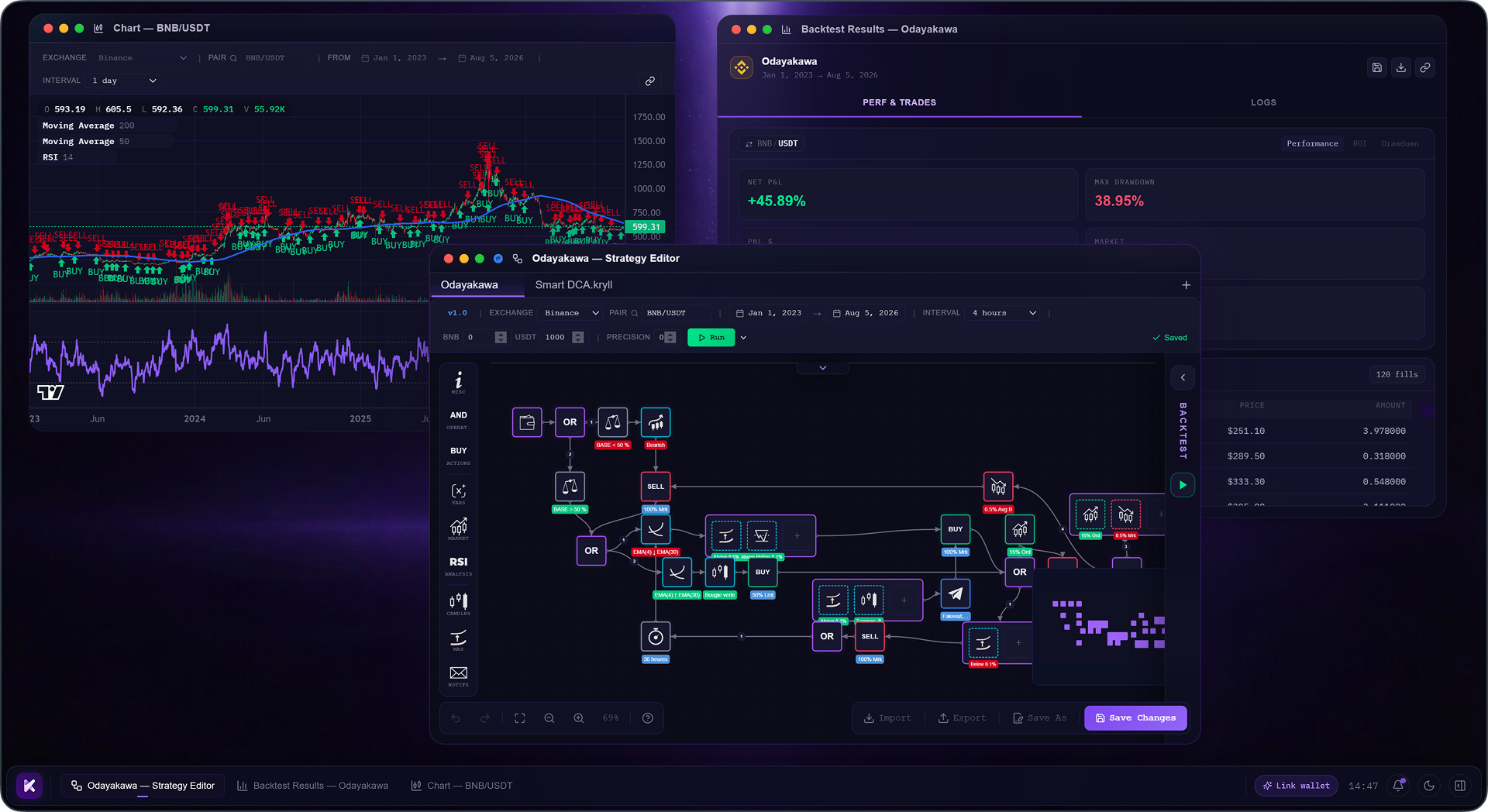
Your detached windows stay wired to the editor: change something on one side and it updates on the other. But the real convenience kicks in when you switch strategies.
Your editor doesn't hold just one strategy: each tab is one. When you move from one tab to another, your whole setup follows all at once. The results window shows the backtest for the new strategy, the chart switches to the right curve with its indicators and positions, the editor shows the right blocks. You switch strategies, and your entire workstation reconfigures itself.
The lock: freeze a window in place
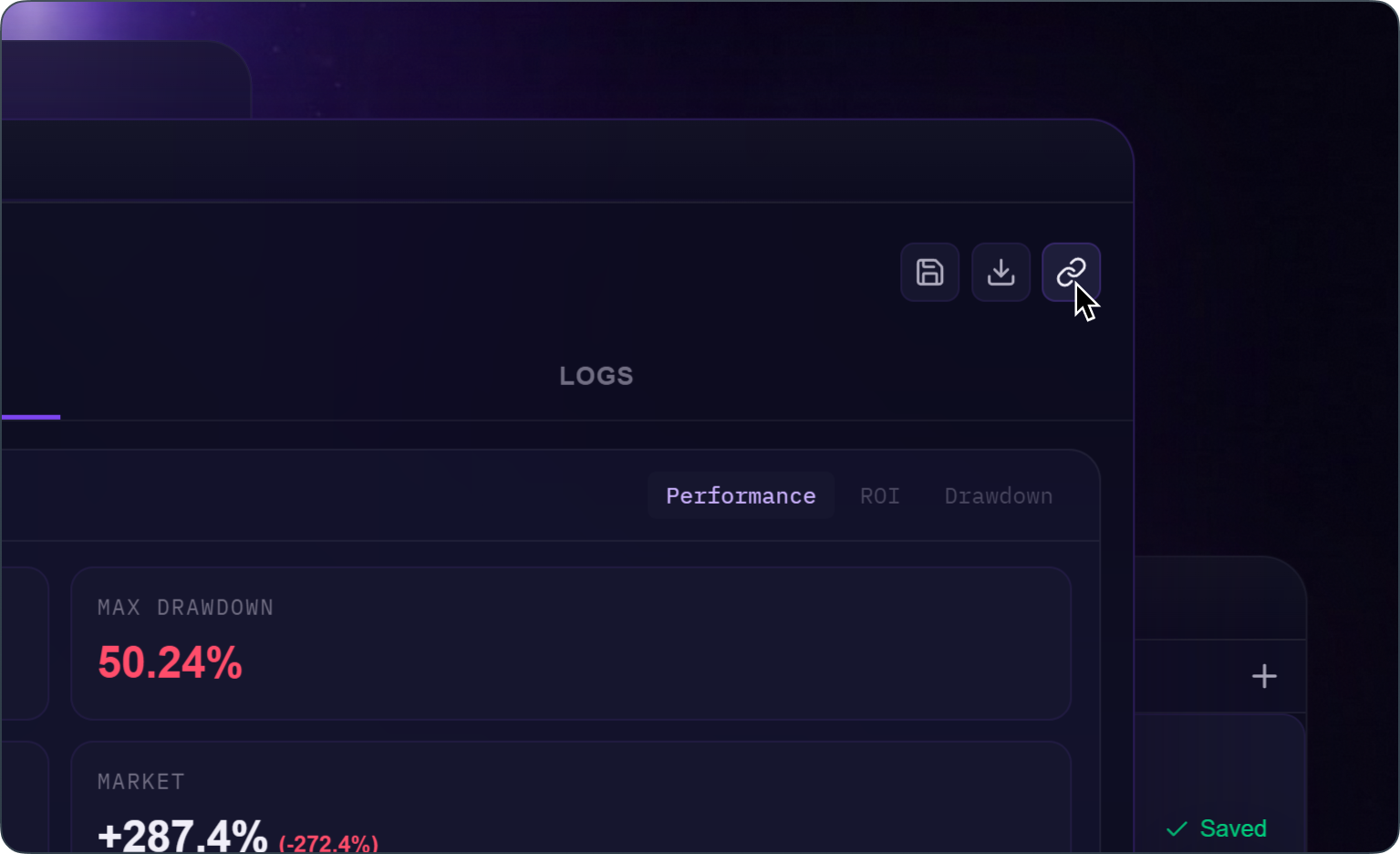
Your windows follow your editor, but sometimes you want one of them to stop moving: to hold it on a specific result while you go back to tweaking your strategy on the side. That's what the lock is for.
Each companion app carries a small icon that shows its state: a chain link when it's tied to the editor, a padlock when it's frozen. You click, the link turns into a padlock, and the window stays on its version no matter what you do next.
That's what makes comparing versions possible. You freeze one strategy's backtest, go back and change an indicator or a level, and run it again. On one side your new result, on the other the old one, still frozen, right there to compare. You unlock when you're done, and the window resyncs.
At its core, 0.5.38 tears down the walls of the editor. Your chart, your results, and your strategy no longer fight over a single window: each gets its own, you organize them however makes sense to you, and everything stays connected to what you're building. Your second screen finally has a reason to exist, and running two ideas in parallel is no longer a window-juggling headache. Update to 0.5.38, pop your chart and results out, and give them some room at last ;)